
Update 30 July 2022 from November 2008
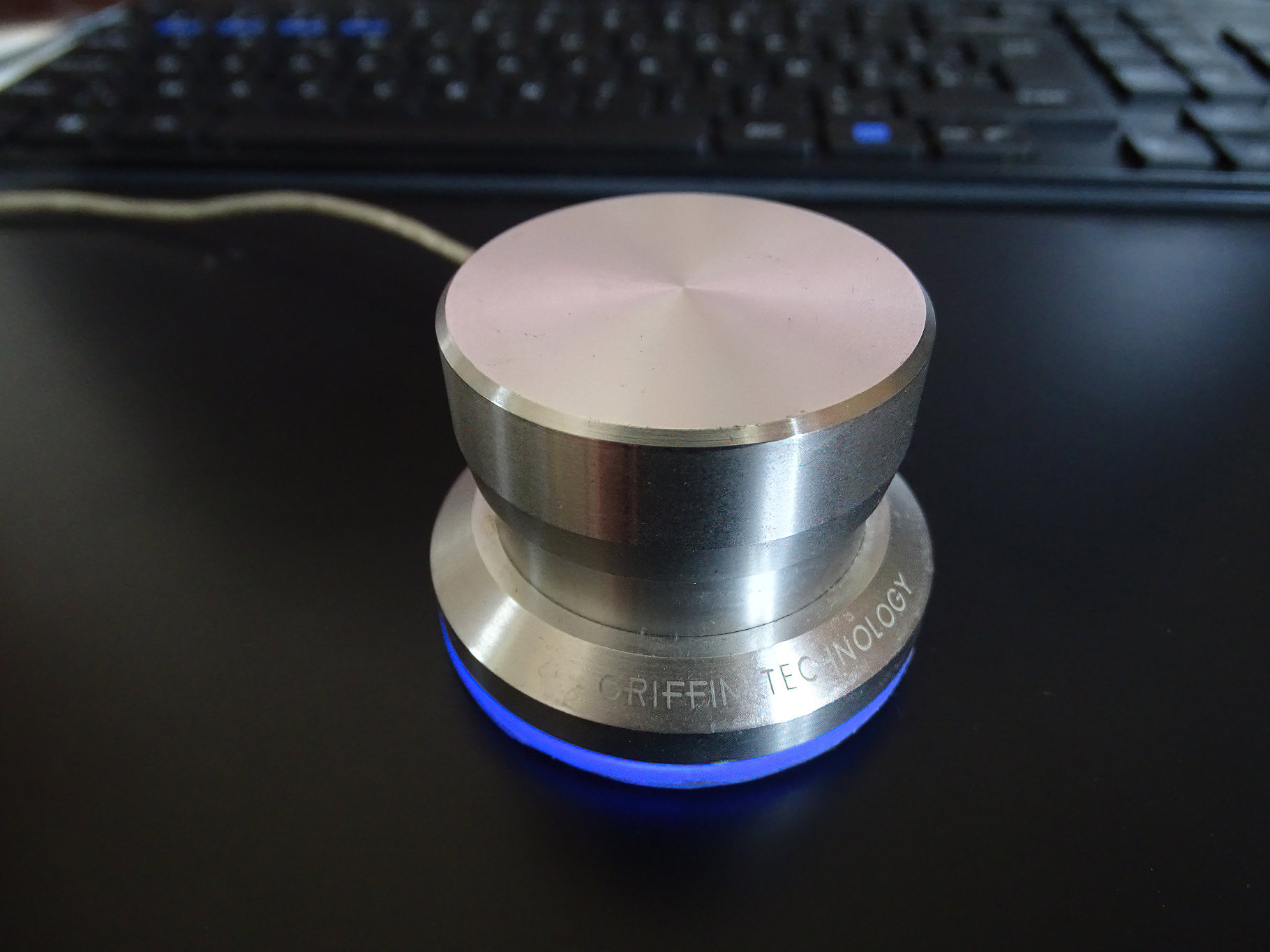
The PowerMate from Griffin Technology is a very useful multimedia device that can be used to scrub video to and fro(fast forward-backward). It’s a cheap solution that doesn’t really compare with professional video editing hardware, but it comes close to being a very affordable surrogate shuttle wheel. It was actually what I have been looking for but couldn’t afford since professional solutions cost around $5000 to $7000. This gadget was only $45! Granted, the professional boards do a lot more then scrubbing, but I was just looking for a jog- or shuttle wheel to move quickly between frames.
Currently, this little device is no longer available although I’ve seen one on eBay recently.
Problem is to find a driver that works with modern operating systems., since Griffin Technology stopped updating them. I can still use it on my old PowerMac, though.
View the video below to see the PowerMate in action:
The PowerMate is like a horizontal mouse wheel that can turn left and right and you can set it to repeat keyboard strokes. It is sensitive to the speed with which you turn the wheel. The device is preset to regulate the volume of your audio when the focus ins on your desktop, but you can change that. FinalCut Pro and Express, iMovie, Windows Moviemaker, Adobe After Effects, Camtasia, Firefox and actually any application that works with keystrokes supports the PowerMate. It also has a button press and turn-press state that can be set individually to practically any shortcut key. And the fantastic thing is, that you can set those keys per application. PowerMate is supported by Mac and PC and if you have been looking to replace repeated keystrokes, like left or right arrow, then this is it.
When you use it to scrub video frames from left to right, it does lack a bit behind if your processor is not superfast. It’s not a bug in PowerMate, it is a matter of computer processing power. A fast workstation will perform much better then a cheap laptop. You may have to get used to the time lag when you turn the wheel quickly. It doesn’t automatically stop scrubbing the moment you release the wheel when the processor can’t follow, so you sometimes have to scrub back a bit. But I must say, once you get used to how it works, it is a great tool to work with.
Practical implementations
In Adobe Photoshop, I have set the button function to Save. So, if I hit the knob, it saves my file, giving me a slight edge over using the shortcut CTRL+S. I also use it to zoom in- and out fast or slow. The only problem I have is that I sometimes forget what I have set for which application.
Scrolling up and down in applications is possible as well and it goes very fast indeed. You can set the speed of key repetitions up to a point. Again, this depends on the power of your computer. You can set whatever you like lightning fast, but that doesn’t mean your computer is going to oblige.
 You have to set every direction manually if you set the PowerMate up for an application without presets. For example, if you set the right turn to Zoom In, don’t forget to set the left turn to Zoom Out, otherwise you have no way to undo the zooming except using conventional methods.
Conclusion:
 The PowerMate deserved a 5/5 star for price and quality. It is made of metal and it works with a USB connection. Installing and operating the software to set the various functions is easy. So far, it hasn’t crashed on me, not on Mac nor on Windows. It even comes preset to work with iMovie, FinalCut Pro and GarageBand right out of the box!

Thanks Rudolf for this detailed review.
What I like about your site is how explicit your reviews are and I cannot tell you how much this saves me time because there is absolutely NO point in me reading 10 sites, when I can come to yours and get all the facts!
Thanks again for this diligent work!
Miss Gisele B.
THANKS! Rudolph. Much appreciated.
It’s a pleasure, John!
thanks but why it’s doesn’t work with VLC player ?
Hi Lyam,
It should work with any application that is able to receive keystrokes. Have you looked into the hotkeys of VLC player?
In Tools > Preferences, you have an option called “Hotkeys”.
It indicates which keystrokes you can configure for the PowerMate.
then you have to locate the VLC application in the PowerMate panel and apply the strokes as shown in the video tutorial.